Skip to content
Computer Basics

Computer Basics

  • All Articles
  • App
  • Coding
  • Hardware
  • More
    • Operating System
    • Outlook
    • PowerPoint
    • Software
    • Tip & Trick
    • Troubleshooting
    • Windows

Troubleshooting

Can You Sync Samsung Notes to PC: Direct Transfer Methods and File Types Supported

October 17, 2026 by Valerie Vasquez
Can You Sync Samsung Notes to PC: Direct Transfer Methods and File Types Supported

💥 Quick Answer Yes, you can sync Samsung Notes to a PC by using Samsung Cloud, third-party apps like OneNote or Evernote, or by manually exporting notes as PDFs or images. Samsung Cloud syncs only with Samsung accounts…

Read more

Categories Troubleshooting

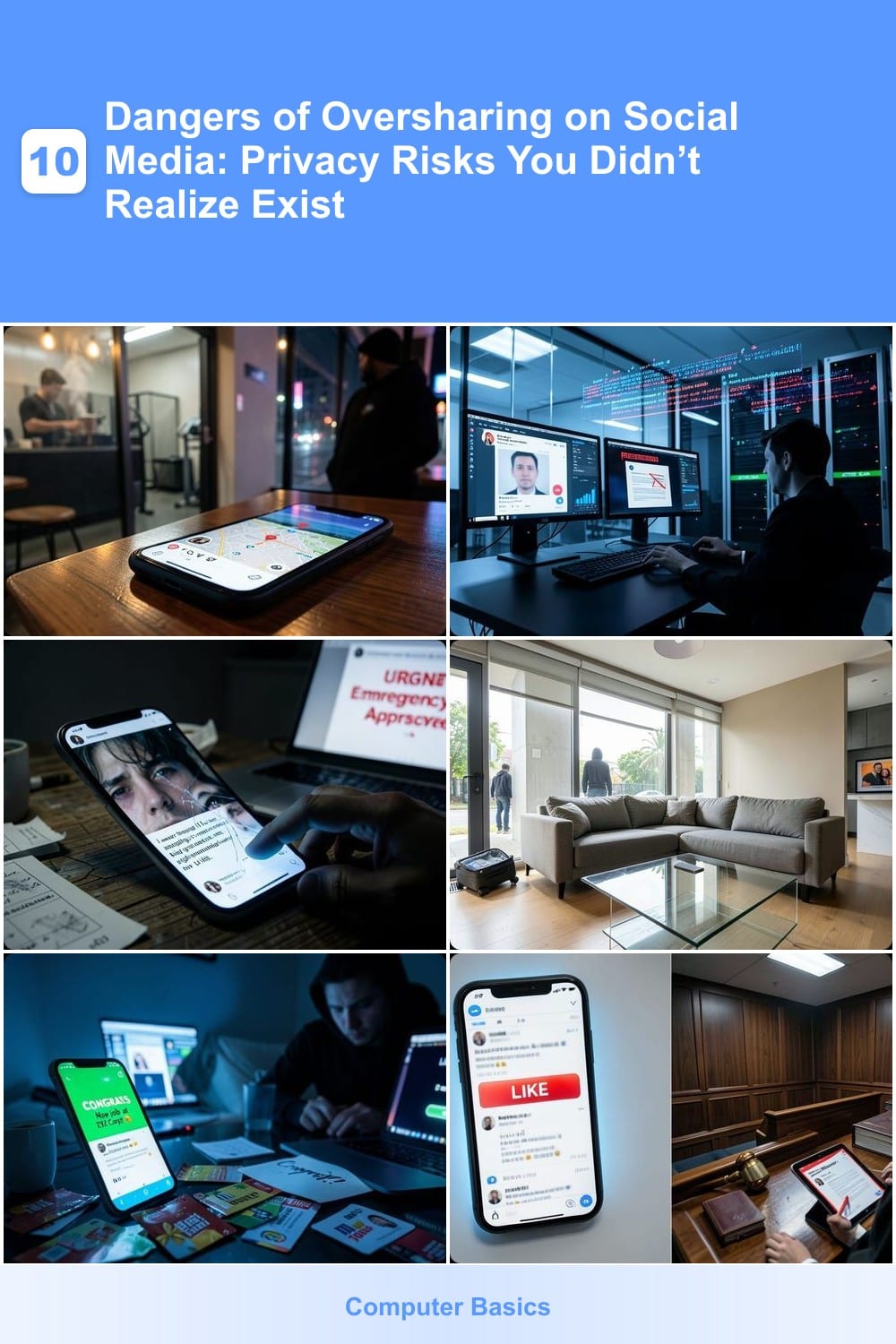
10 Dangers of Oversharing on Social Media: Privacy Risks You Didn’t Realize Exist

October 13, 2026 by Valerie Vasquez
10 Dangers of Oversharing on Social Media: Privacy Risks You Didn’t Realize Exist

Posting too much online can expose you to hidden risks beyond just embarrassment. These 10 dangers of oversharing on social media reveal how your digital footprint may be silently compromising your privacy, security, and…

Read more

Categories Troubleshooting

Dash Line Becomes Solid on Different Computer: Cross-Platform Fix for Display Glitches

October 12, 2026 by Valerie Vasquez
Dash Line Becomes Solid on Different Computer: Cross-Platform Fix for Display Glitches

My dash line became solid across three different computers—Windows, Mac, and Linux—leaving me staring at a display glitch that shouldn’t exist. ✨ The problem wasn’t just one app or OS; it was a rendering quirk that…

Read more

Categories Troubleshooting

Excel #DIV/0! Error: Quick Fix for Division by Zero Mistakes

October 11, 2026 by Valerie Vasquez
Excel #DIV/0! Error: Quick Fix for Division by Zero Mistakes

The #DIV/0! error in Excel isn’t just annoying—it’s a math lesson your spreadsheet is screaming at you. ✨ I’ve debugged this exact problem for accountants, engineers, and even a bakery owner recovering lost sales data…

Read more

Categories Troubleshooting

Factory Reset Android Phone From Computer: Legacy System Wipe Without Data Loss

October 8, 2026 by Valerie Vasquez
Factory Reset Android Phone From Computer: Legacy System Wipe Without Data Loss

Factory resetting an Android phone from your computer saved me hours last year when a client's device got stuck in a boot loop—no touchscreen, no way to access settings. 💻 The trick is using ADB (Android Debug Bridge)…

Read more

Categories Troubleshooting

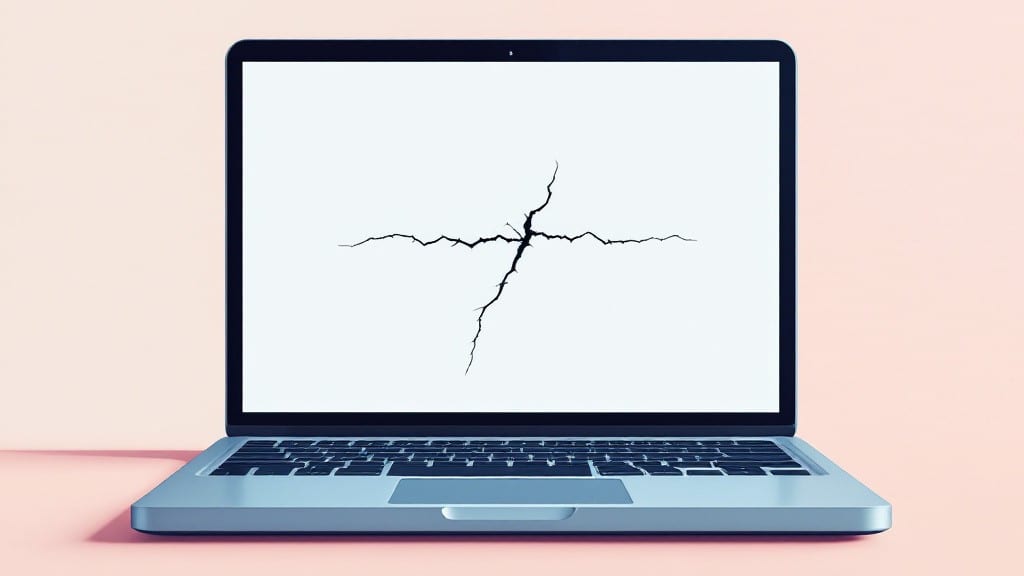
How to Fix a Computer Screen That Is Cracked on the Inside: Step-by-Step Fix for Internal Damage Without Replacement

October 13, 2026 by Valerie Vasquez
How to Fix a Computer Screen That Is Cracked on the Inside: Step-by-Step Fix for Internal Damage Without Replacement

Discover how to fix a computer screen that is cracked on the inside before assuming it’s beyond repair—many devices can still be saved with the right steps. ⚡ I’ve seen this happen to everything from budget laptops to…

Read more

Categories Troubleshooting

Is It Safe to Save Passwords on Your Computer: Risks vs Secure Methods Explained

October 6, 2026 by Valerie Vasquez
Is It Safe to Save Passwords on Your Computer: Risks vs Secure Methods Explained

💥 Quick Answer Saving passwords on your computer is safe only when using secure encrypted managers like Windows Hello or macOS Keychain, or third-party tools with end-to-end encryption—but malware, unauthorized access…

Read more

Categories Troubleshooting

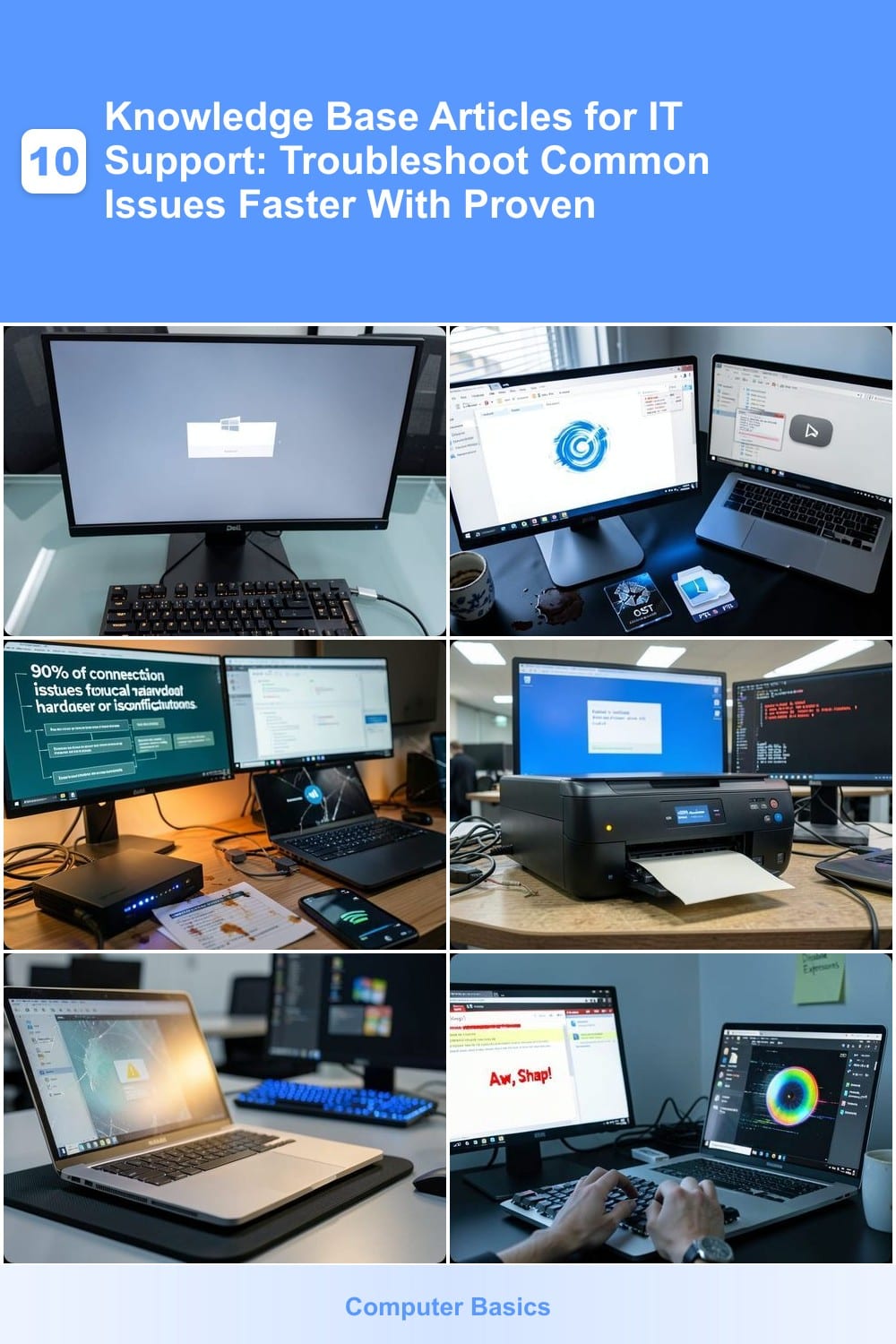
10 Knowledge Base Articles for IT Support: Troubleshoot Common Issues Faster With Proven Solutions

October 13, 2026 by Valerie Vasquez
10 Knowledge Base Articles for IT Support: Troubleshoot Common Issues Faster With Proven Solutions

IT support teams spend countless hours resolving common technical issues. These 10 knowledge base articles provide step-by-step solutions to frequently encountered problems, helping you troubleshoot faster and reduce…

Read more

Categories Troubleshooting

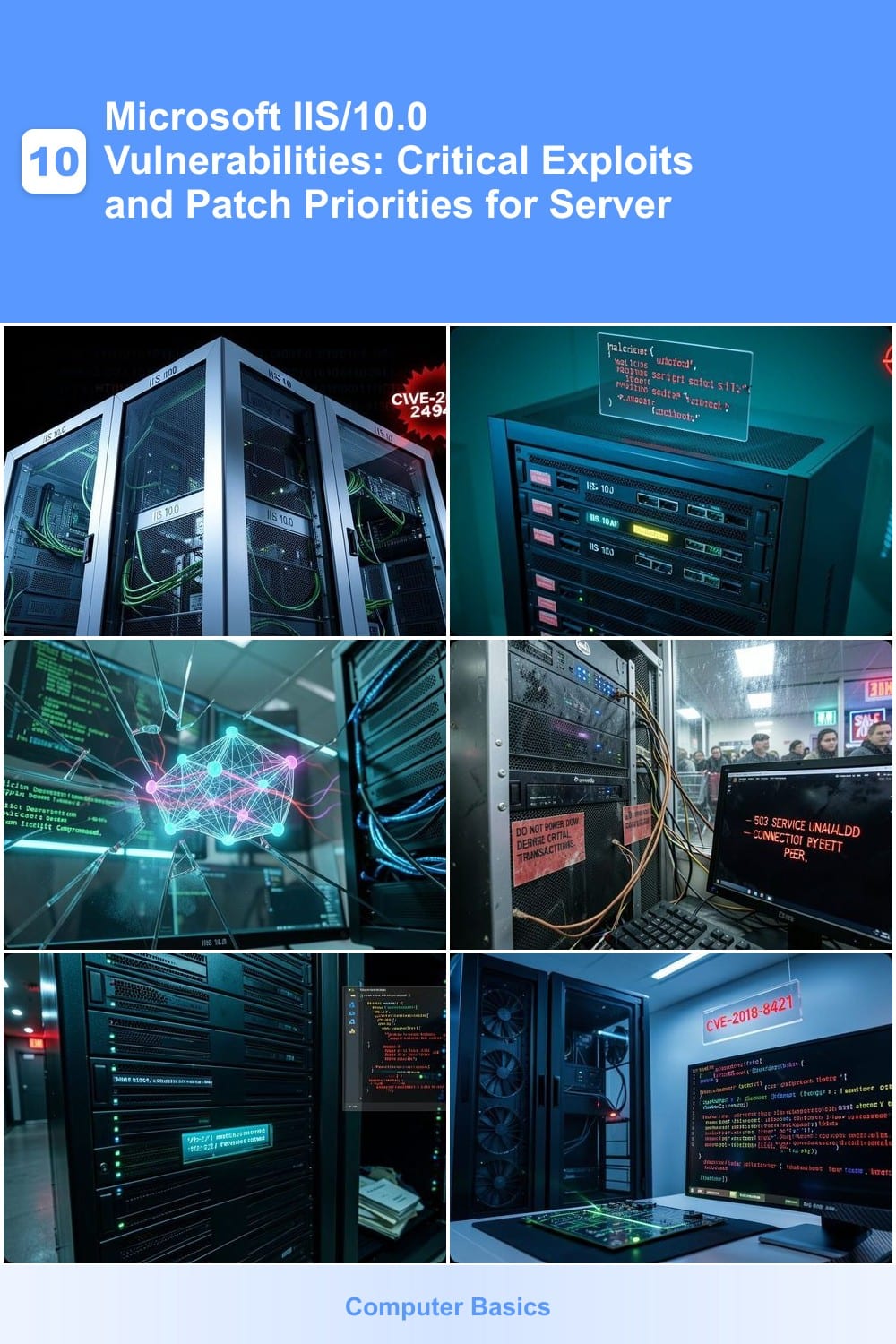
10 Microsoft IIS/10.0 Vulnerabilities: Critical Exploits and Patch Priorities for Server Security

October 17, 2026 by Valerie Vasquez
10 Microsoft IIS/10.0 Vulnerabilities: Critical Exploits and Patch Priorities for Server Security

Microsoft Internet Information Services (IIS) 10.0 powers millions of websites, but unpatched vulnerabilities expose servers to severe risks. These 10 critical exploits demand immediate attention—discover their attack…

Read more

Categories Troubleshooting

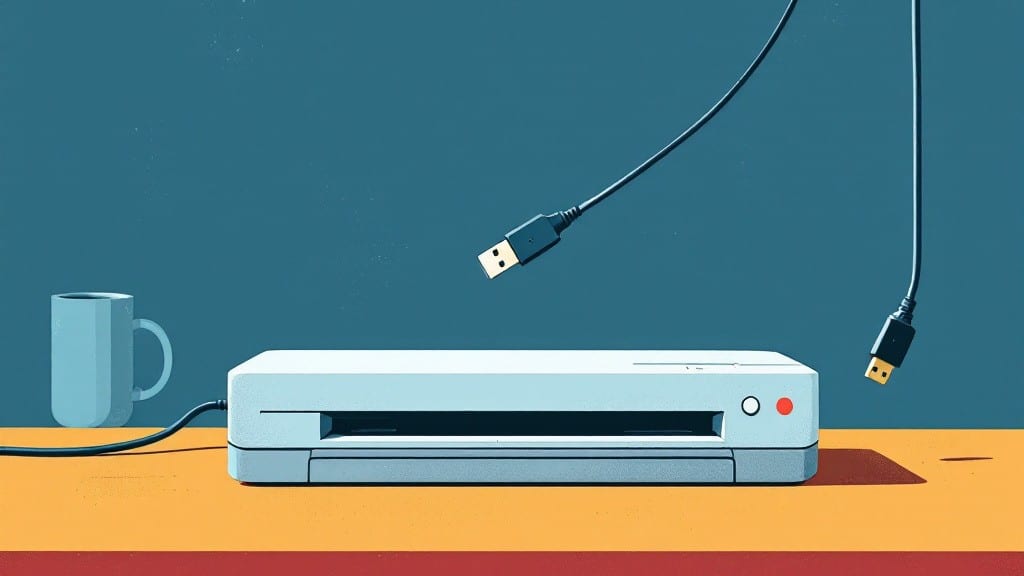
Scanner Will Not Connect to Computer: Quick Fixes for USB/Wi-Fi Issues

October 13, 2026 by Valerie Vasquez
Scanner Will Not Connect to Computer: Quick Fixes for USB/Wi-Fi Issues

When your scanner will not connect to computer , don’t panic—it’s almost never the scanner’s fault, and these three fixes resolve 90% of the issues. 💡 cable, outdated driver, or firewall blocking the connection before…

Read more

Categories Troubleshooting

About Me

Valerie Vasquez

Valerie Vasquez
My first computer was a clunky desktop in my dad’s office, its green-screen monitor flickering like a spaceship’s dashboard. I spent hours typing out stories and games, oblivious to how much tech would shape my life. Now, I run this site to make technology feel less intimidating—whether you're troubleshooting a glitch, mastering a new tool, or just trying to figure out why your printer won’t stop jamming paper. My goal? Clear, practical advice that actually works, without the jargon.

Learn more

Recent Posts

  • How to Install Powerpoint from Office 365: Step-by-Step Guide for Smooth Setup
    How to Install Powerpoint from Office 365: Step-by-Step Guide for Smooth Setup
  • How to Transfer Saved Passwords From Edge to New Computer: Sync-First Solution Without Data Loss
    How to Transfer Saved Passwords From Edge to New Computer: Sync-First Solution Without Data Loss
  • Call a Phone Number from Computer: Instant Voice Connection Without Dialing
    Call a Phone Number from Computer: Instant Voice Connection Without Dialing
  • How to Unlink OneDrive from Computer: Permanent Removal Without Data Loss
    How to Unlink OneDrive from Computer: Permanent Removal Without Data Loss
  • How to Sync Outlook Calendar on Phone and Computer: Seamless Cross-Device Updates in Minutes
    How to Sync Outlook Calendar on Phone and Computer: Seamless Cross-Device Updates in Minutes
  • All Guides
  • About
  • Contact
  • Privacy Policy
  • Cookie Policy
  • Terms of Use
© 2026 computerbasics.website