Skip to content
Computer Basics

Computer Basics

  • All Articles
  • App
  • Coding
  • Discord
  • More
    • Hardware
    • Microsoft Office
    • MYSQL
    • Operating System
    • Outlook
    • PowerPoint
    • Software
    • Tip & Trick
    • Troubleshooting
    • Windows

Troubleshooting — Page 2

Scanner Will Not Connect to Computer: Quick Fixes for USB/Wi-Fi Issues
October 13, 2026 by Valerie Vasquez
Scanner Will Not Connect to Computer: Quick Fixes for USB/Wi-Fi Issues

When your scanner will not connect to computer , don’t panic—it’s almost never the scanner’s fault, and these three fixes resolve 90% of the issues. 💡 cable, outdated driver, or firewall blocking the connection before…

Read more

Categories Troubleshooting

What Is Feedback Hub on My Computer: Windows Troubleshooting Tool Explained

November 21, 2026 by Valerie Vasquez
What Is Feedback Hub on My Computer: Windows Troubleshooting Tool Explained

💥 Quick Answer Feedback Hub on your computer is a built-in Windows tool that automatically collects performance data, error logs, and crash reports to help Microsoft identify and fix system issues through updates. You…

Read more

Categories Troubleshooting

Your Session Has Timed Out: Refresh Your Connection in 3 Simple Clicks

November 21, 2026 by Valerie Vasquez
Your Session Has Timed Out: Refresh Your Connection in 3 Simple Clicks

Seeing "your session has timed out" feels like hitting a digital wall—especially when you're mid-task. ✨ I've spent hours debugging this across browsers, apps, and even corporate systems, and the fixes are simpler than…

Read more

Categories Troubleshooting

How Much Does It Cost to Fix a Computer Screen: Real Pricing by Damage Type

November 21, 2026 by Valerie Vasquez
How Much Does It Cost to Fix a Computer Screen: Real Pricing by Damage Type

💥 Quick Answer To fix a computer screen, you'll typically spend between $100 and $500+, with costs varying by damage type—cracked displays usually fall in the $150–$300 range, while dead pixels or backlight failures…

Read more

Categories Troubleshooting

What Is OneDrive on My Computer: Microsoft’s Cloud Storage Explained Simply

November 21, 2026 by Valerie Vasquez
What Is OneDrive on My Computer: Microsoft’s Cloud Storage Explained Simply

💥 Quick Answer OneDrive on your computer is Microsoft’s built-in cloud storage service that syncs files across devices, offers free storage (with paid upgrades), and integrates seamlessly with Office apps like Word and…

Read more

Categories Troubleshooting

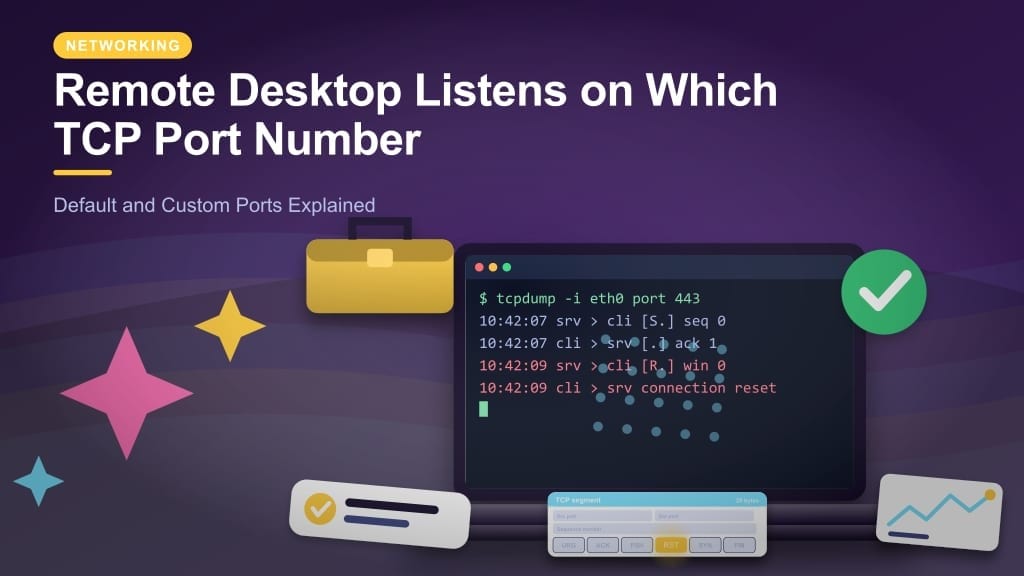
Remote Desktop Listens on Which TCP Port Number: Default and Custom Ports Explained

November 21, 2026 by Valerie Vasquez
Remote Desktop Listens on Which TCP Port Number: Default and Custom Ports Explained

Wondering remote desktop listens on which TCP port number ? By default, Windows uses 3389 , while Linux-based tools like VNC often rely on 5900 or 5901 . Custom ports can be configured for enhanced security or network…

Read more

Categories Troubleshooting
Page1Page2

About Me

Valerie Vasquez

Valerie Vasquez
My first computer was a clunky desktop in my dad’s office, its green-screen monitor flickering like a spaceship’s dashboard. I spent hours typing out stories and games, oblivious to how much tech would shape my life. Now, I run this site to make technology feel less intimidating—whether you're troubleshooting a glitch, mastering a new tool, or just trying to figure out why your printer won’t stop jamming paper. My goal? Clear, practical advice that actually works, without the jargon.

Learn more

Recent Posts

  • How to Install Powerpoint from Office 365: Step-by-Step Guide for Smooth Setup
    How to Install Powerpoint from Office 365: Step-by-Step Guide for Smooth Setup
  • How to Transfer Saved Passwords From Edge to New Computer: Sync-First Solution Without Data Loss
    How to Transfer Saved Passwords From Edge to New Computer: Sync-First Solution Without Data Loss
  • Call a Phone Number from Computer: Instant Voice Connection Without Dialing
    Call a Phone Number from Computer: Instant Voice Connection Without Dialing
  • Dark Mode in Outlook Desktop App: Seamless Toggle for Eye-Friendly Emails
    Dark Mode in Outlook Desktop App: Seamless Toggle for Eye-Friendly Emails
  • How to Unlink OneDrive from Computer: Permanent Removal Without Data Loss
    How to Unlink OneDrive from Computer: Permanent Removal Without Data Loss
  • All Guides
  • About
  • Contact
  • Privacy Policy
  • Cookie Policy
  • Terms of Use
© 2026 computerbasics.website